

Download irssi – Free Command‑Line IRC Client, Secure & Highly Customizable
Overview & Installation Guide
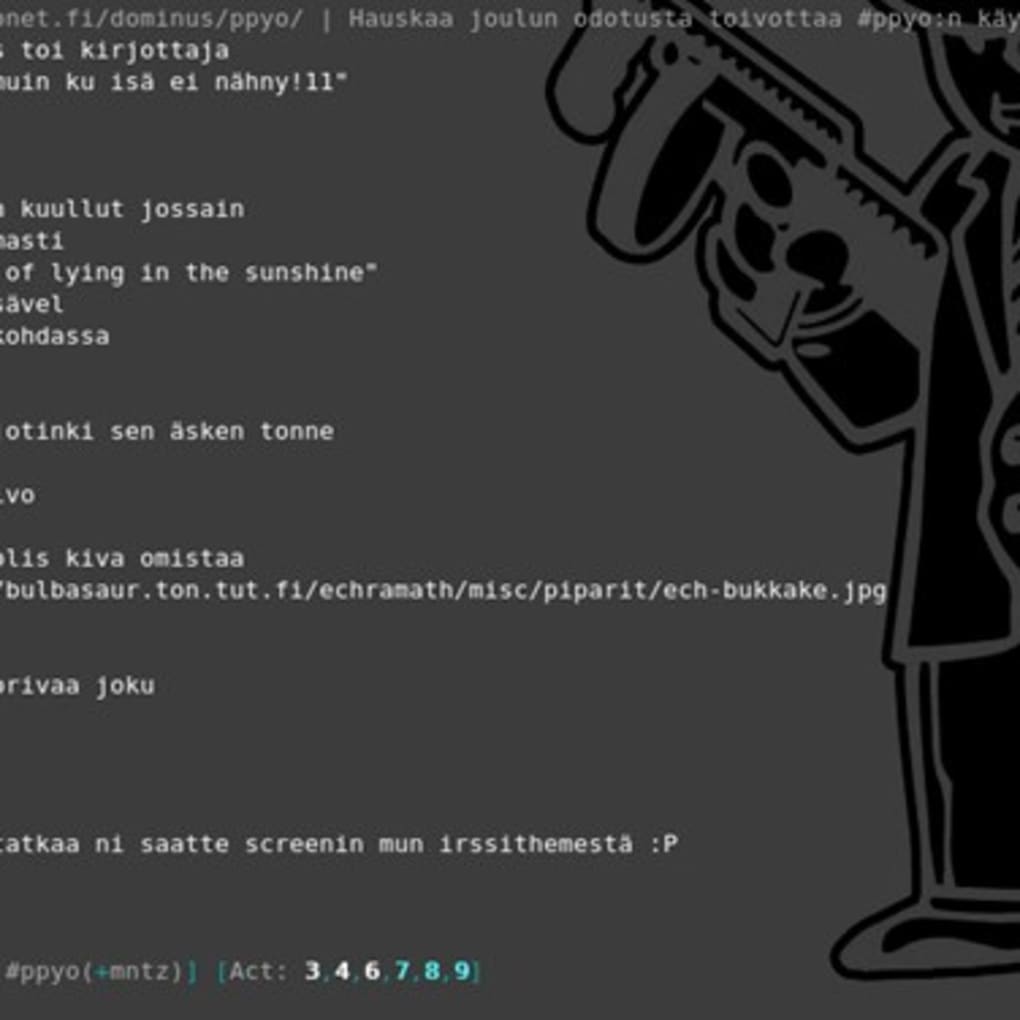
irssi is a free, open‑source IRC client that runs entirely in a terminal window. Unlike graphical alternatives such as X‑Chat or mIRC, irssi relies on keyboard shortcuts and plain‑text output, delivering a lightning‑fast experience for power users who value speed, flexibility, and low resource consumption. Because it has no graphical interface, the client starts instantly, even on modest hardware, making it a perfect tool for remote servers, low‑end laptops, or any environment where a GUI would be unnecessary overhead.
Getting started with irssi is straightforward for users familiar with Linux, macOS, or even Windows via WSL or Cygwin. First, download the latest stable version from the official repository or use your system’s package manager. On Debian‑based distributions, the command sudo apt-get install irssi pulls the current release, while on macOS Homebrew users type brew install irssi.
Windows users can install the Windows Subsystem for Linux, then run the same Linux commands, or compile irssi from source using MSYS2. Once installed, launch the client by typing irssi in your terminal.
The initial configuration is minimal: create a ~/.irssi/config file (or let irssi generate a default one) and add your preferred servers and nicknames.
A typical startup line looks like /connect chat.freenode.net. From there, you can join channels with /join #channel. Because irssi is heavily keyboard‑driven, learning the default key bindings—such as Alt + 1 to switch windows—will dramatically improve your workflow.
The client also supports scripts written in Perl, allowing you to extend functionality with bots, auto‑reconnect, or even integrate Twitter feeds directly into your IRC view. All of these features are freely available and constantly updated by a vibrant community, ensuring that irssi remains a secure, up‑to‑date tool for anyone who prefers a terminal‑first approach.
Key Features of irssi
- Keyboard‑Centric Navigation: Switch windows, scroll history, and manage channels without ever leaving the keyboard.
- Multi‑Server Support: Connect to multiple IRC networks simultaneously and keep each connection organized in separate windows.
- Perl Scripting Engine: Load community‑created scripts for logging, auto‑rejoin, notifications, or even Twitter integration.
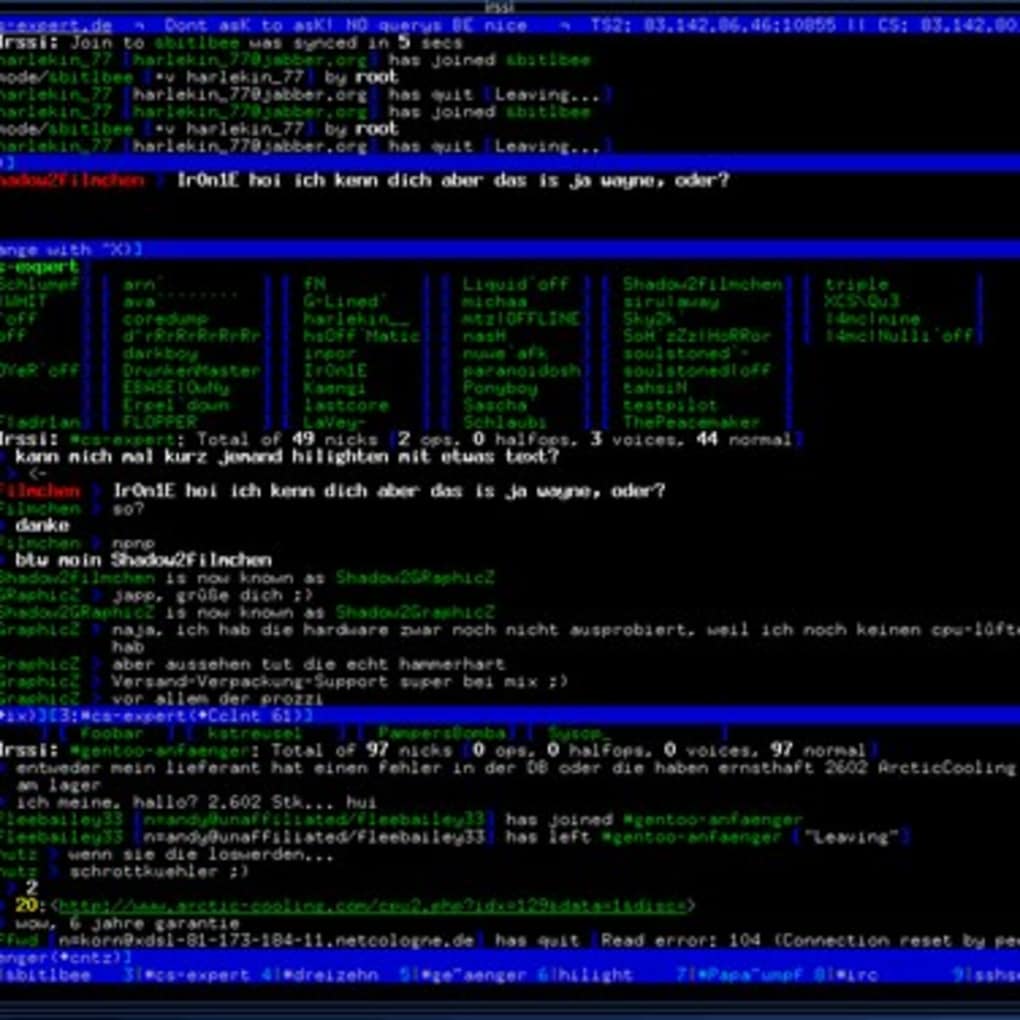
- Split‑Screen Layout: Merge several channels into a single view or split the screen to monitor multiple conversations at once.
- Secure TLS/SSL Connections: All network traffic can be encrypted, keeping your chats private on public Wi‑Fi.
- Persistent Sessions: Detach from a session, log out, then reattach later without losing channel state.
- Extensive Customization: Themes, status bars, and key bindings can be edited in plain‑text configuration files.
- Low Resource Footprint: Because it runs in a terminal, irssi uses a fraction of the memory and CPU of GUI clients.
- Cross‑Platform Availability: Works on Linux, macOS, BSD, and Windows (via WSL, Cygwin, or native compilation).
- Open‑Source License: Distributed under the GPL, allowing free modification and redistribution.
These features make irssi more than just an IRC client; it becomes a powerful communication hub that can be tailored to fit any workflow. For developers, sysadmins, or hobbyists who spend most of their day in a shell, the ability to stay connected to IRC without switching contexts is a genuine productivity boost. Moreover, the active community continuously releases updates, bug fixes, and new scripts, ensuring the software stays secure and compatible with the latest IRC standards. Whether you need a simple chat window for quick discussions or a full‑featured bot platform, irssi provides a solid, free foundation that scales with your needs.
Compatibility, Pros & Cons
irssi is primarily built for Unix‑like environments. It runs natively on virtually every Linux distribution, as well as on macOS (via Homebrew or MacPorts). Windows users can enjoy irssi through the Windows Subsystem for Linux (WSL), Cygwin, or by compiling the source code with MSYS2. Because the client is terminal‑based, it works on any system that provides a POSIX‑compatible shell, including lightweight Raspberry Pi installations and cloud‑based VPS instances. There is no official Android or iOS app, but the same command‑line experience can be accessed on mobile devices using terminal emulator apps that support SSH connections to a remote host running irssi.
Pros
- Extremely fast startup and minimal memory usage.
- Highly customizable through scripts and configuration files.
- Secure TLS support out of the box.
- Works on virtually any operating system that supports a terminal.
- Free, open‑source, and actively maintained by a dedicated community.
- Persistent sessions allow you to detach and reattach without losing chat history.
Cons
- Steep learning curve for users unfamiliar with command‑line interfaces.
- No native graphical UI; mouse interaction is limited to copy‑paste.
- Requires manual configuration for advanced features like scripting.
- Limited official documentation; users often rely on community wikis and forums.
- Not ideal for casual users who prefer point‑and‑click navigation.
In summary, irssi shines for power users who value speed, security, and deep customization, while it may feel intimidating to newcomers who expect a modern GUI. The trade‑off between flexibility and ease‑of‑use is intentional, and the open‑source nature ensures that any missing feature can be added through community contributions.
FAQ and Final Verdict
Is irssi still actively maintained?
Yes. The core project receives regular updates, security patches, and new features. Additionally, the script repository is constantly expanded by community members.
Can I use irssi on Windows without Linux?
While there is no native Windows installer, you can run irssi through WSL, Cygwin, or by compiling it with MSYS2. This provides a fully functional experience comparable to native Linux.
How secure is the connection to IRC networks?
irssi supports TLS/SSL encryption for all connections. By using the /ssl command or setting use_ssl = "yes" in the config file, you can ensure that chat traffic is encrypted end‑to‑end.
Do I need to know Perl to use irssi?
No. Perl is only required if you want to write or modify scripts. The base client works perfectly out of the box, and many pre‑written scripts can be installed without any programming knowledge.
Is there a way to get a graphical view of irssi?
While irssi itself is terminal‑only, you can pair it with terminal multiplexers like tmux or screen to create split‑window layouts that mimic a graphical experience. For a true GUI, consider complementary tools such as HexChat.
Final Verdict
irssi remains one of the most efficient IRC tools available, especially for users who spend most of their day in a shell. Its free, open‑source nature, combined with robust TLS support and a thriving script ecosystem, makes it a secure and adaptable choice for developers, sysadmins, and IRC power users. The learning curve is the only real barrier, but the payoff—lightweight performance, endless customization, and persistent sessions—justifies the effort. If you’re ready to embrace a keyboard‑first workflow and want a reliable, constantly updated IRC client, download irssi today and experience real-time chat the way it was meant to be: fast, flexible, and free.
Download irssi now and join the countless users who have made this classic tool a cornerstone of their communication workflow.







